Admin
As an admin you have the option to do more than a normal user. For example you can define app launcher groups that cannot be modifed by normal users. The same thing is true for app configurations. A normal user cannot create new app configurations.
If you want to use admin mode you need to know the admin password. The installation comes with a default password that is known to mum employees. If you want the password can be changed to something only known to you / Keyusers at your company. Please talk to your mum contact person if you want to change the password.
This can be achieved like this:
--setAdminPassword "replaceWithDefaultPassword" "new"
Add this parameter to the exe and the new password should then be used when login in here:
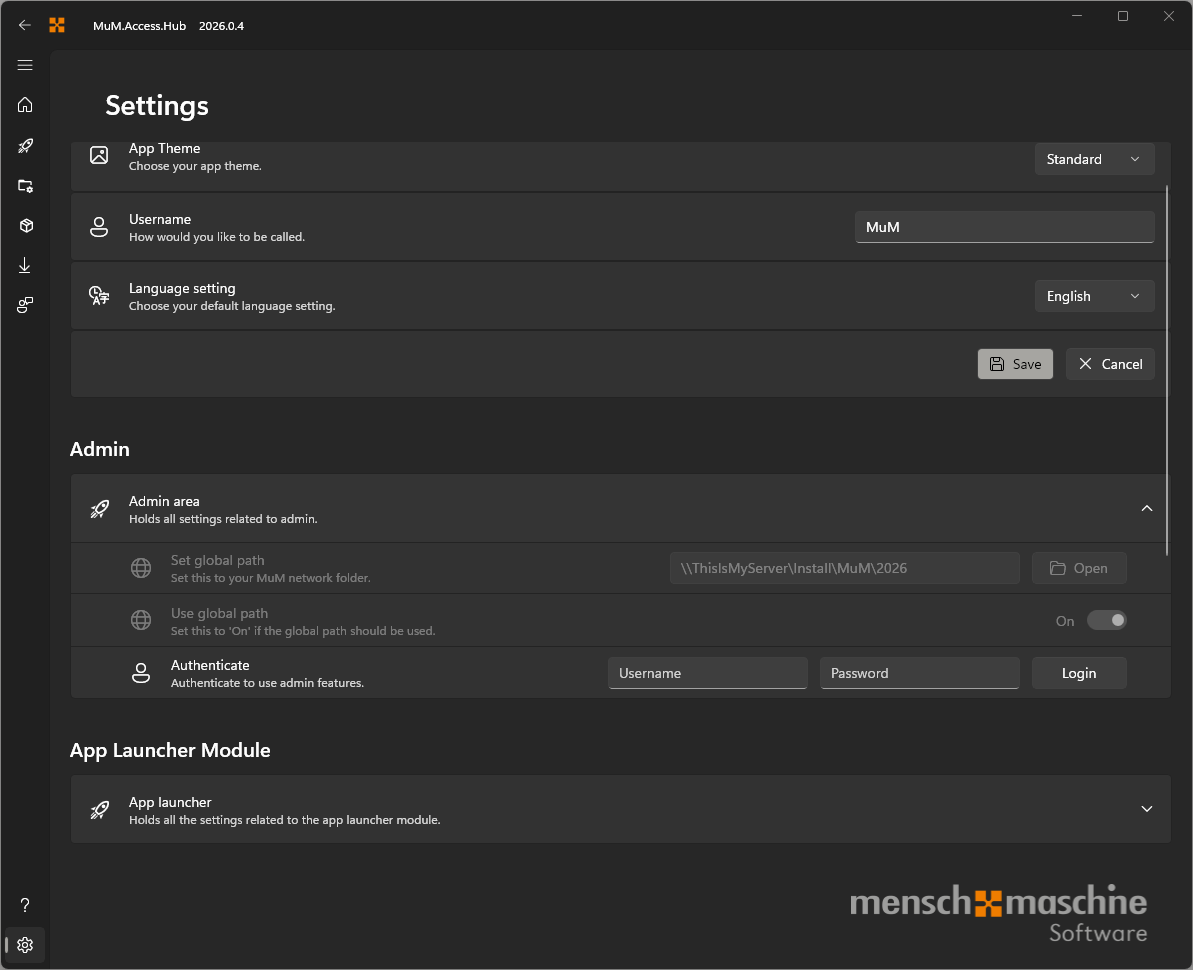
A successful login will be confirmed by the following message:

From now on you can also see at the top that you are logged in as admin:
