MuM Support
Case

Create your support case according to your needs.
Subject
You have the option to send feedback in addition to a support case.
Topic
Define the topic to which your support case should be assigned. This ensures the fastest and most efficient processing possible.
Priority
This describes the priority level of the ticket. Please help us by correctly declaring non-urgent tickets as such.
A high priority does not guarantee that your ticket will be processed first unless we see a necessity.
Hotline Contract
Declare whether you have a support contract with us. If you are unsure, select "Unknown". We will check the status of the support contract in any case.
Product Description
Describe your problem. Please don't forget to specify which product(s) it concerns so that we can assist you as quickly as possible.
Contact Information
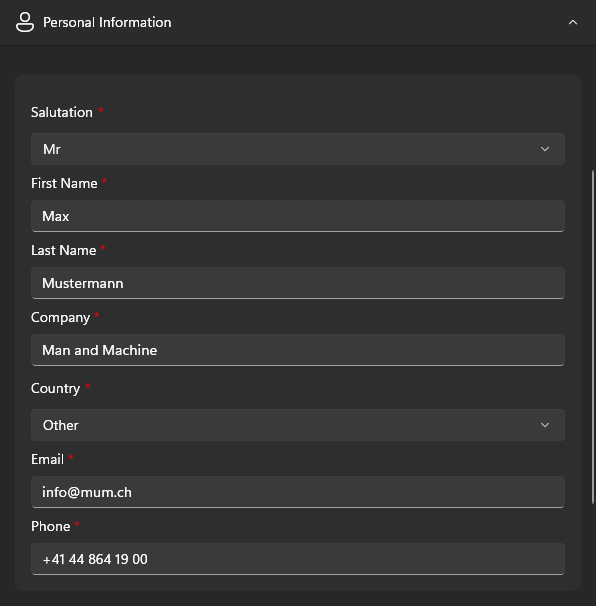
In this section, you provide information about yourself. This helps us contact you more quickly and check the status of your support contract.
If the provide information is completely filled out, the menu will automatically collapse for the next case.
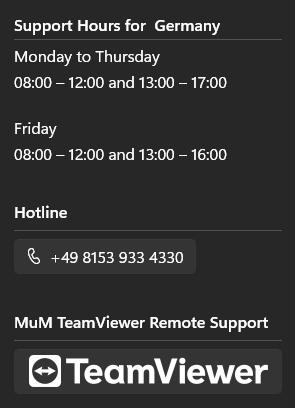
Additionally, based on your country selection, you will receive the correct contact options if you wish to call support directly.
You also have the option to send system-relevant information, such as details about your device or installed apps. This helps us start the error analysis tailored to your needs and have all the necessary information at a glance.

This information is not stored and is only used for the current case.