Edit
Via editing, groups, as well as apps or web links, can be modified. This allows names, icons, or arguments to be adjusted afterward.
App group
Click on the edit icon to activate the mode.
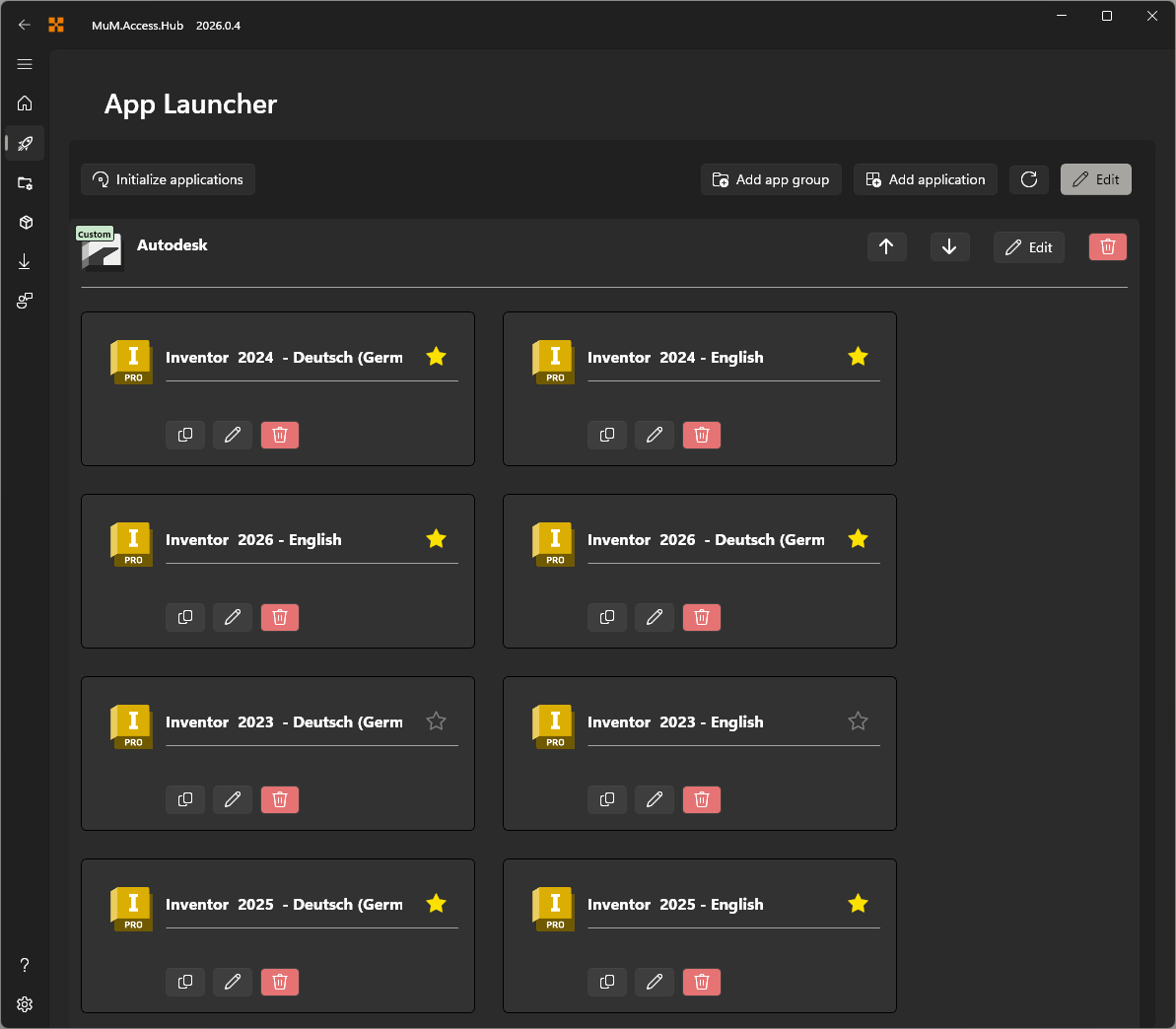
The app groups can be reordered using the arrows, renamed, or even deleted.
The admin group cannot be edited without permission.
App or weblink
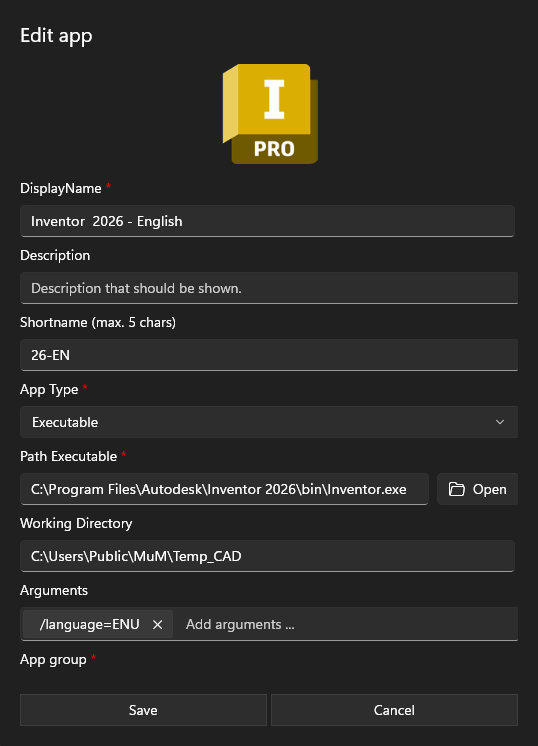
When an app or web link is edited, the same window appears as when creating a new one.
With this option, an app or web link can be moved to another group or the language can be changed if needed.
Copy App
For a simple and quick configuration of multiple app variants, the copy function provides an ideal solution. Switch to edit mode to copy an app and its configuration with a single click. From there, the app can be modified with different parameters or moved to another group.

App sorting
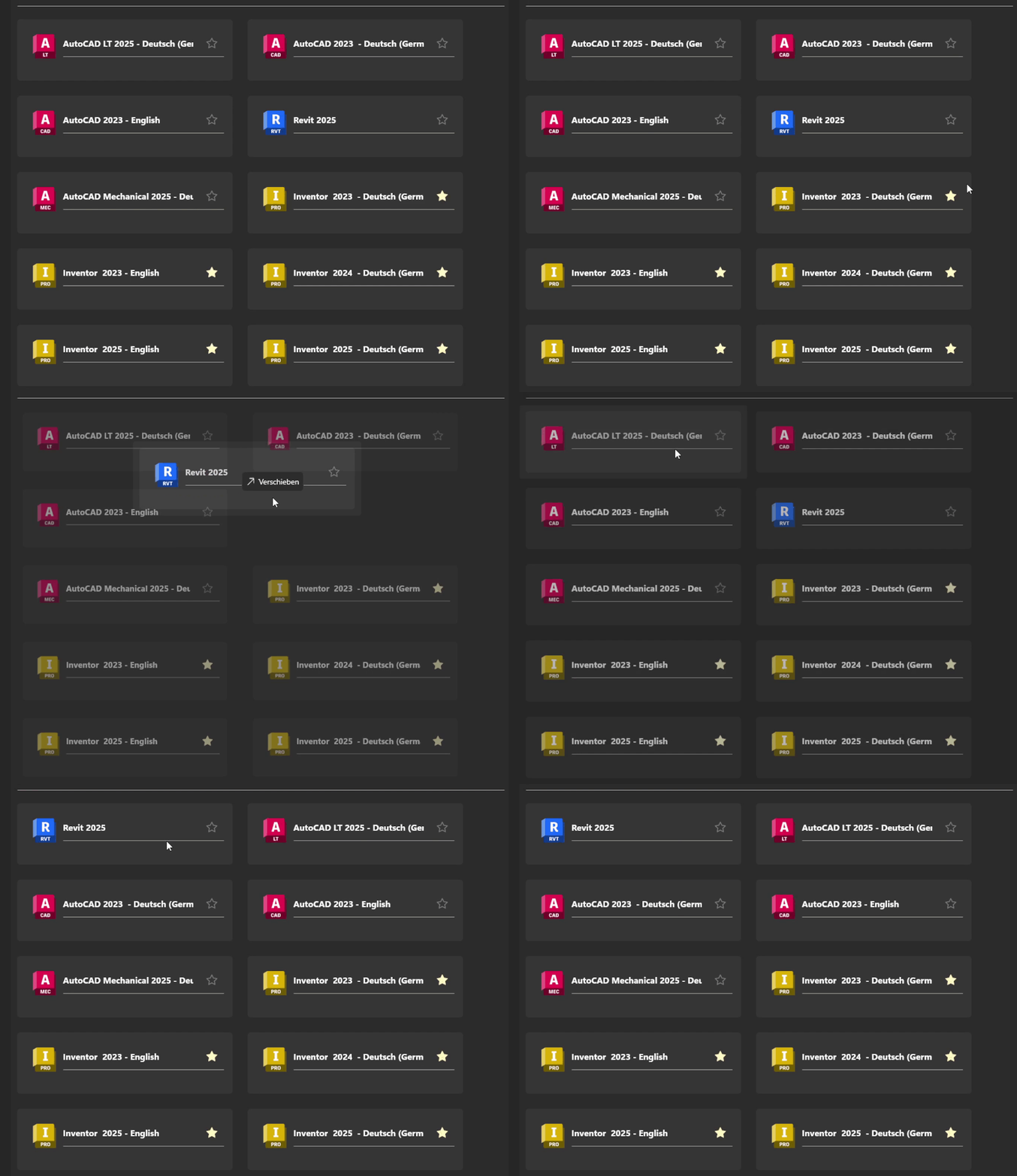
For sorting within the app group, the app can simply be moved to a different position via drag and drop.