Add Application
Adds a new app or web link
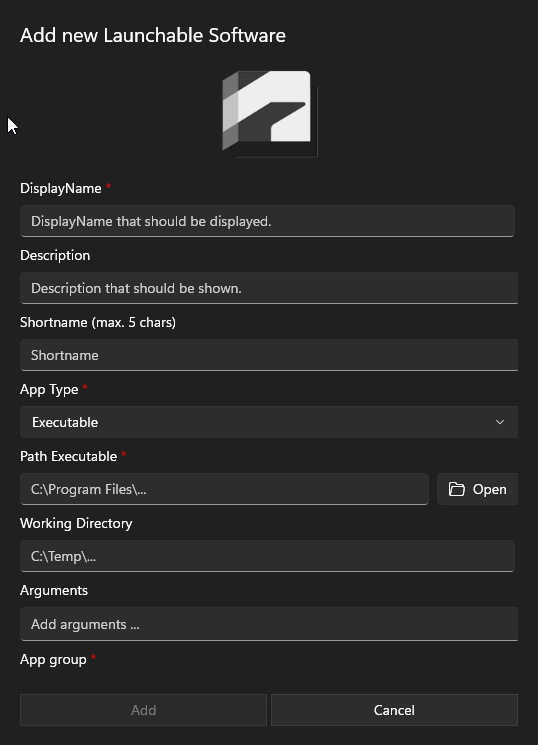
Icon
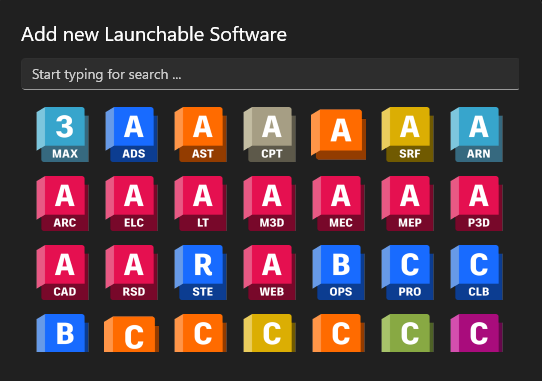
Click on the icon to replace it with predefined icons. You can search for a predefined icon using the search bar.
Display Name
Add a Display Name. This name will show in the App Launcher.
Description
The description is also displayed in the App Launcher and may contain information about the software or website.
Short Name
The short name is used for the systray-menu and can contain 5 characters
Internal Name
The internal name is used by the MuM.Access.Hub and ensures the uniqueness of the configuration.
App Type
The app type can be used to define whether it is an executable or a website. This means that either local software or a link can be integrated into Vault Thin Client, for example.
Path Executable / Web Application
The path to the software or the link to the external system is entered here.
To add New Microsoft Teams, use the path:
%LOCALAPPDATA%\Microsoft\WindowsApps\ms-teams.exe
Arguments
If the software supports arguments, these can be entered here. The arguments can be shown or hidden for the App Launcher in the settings.
App Group
The app group is used to categorize the new app correctly. All existing groups are listed here.
You can only write to the 'admin' group if you are logged in as admin.